 1 / 5
1 / 5At a glance
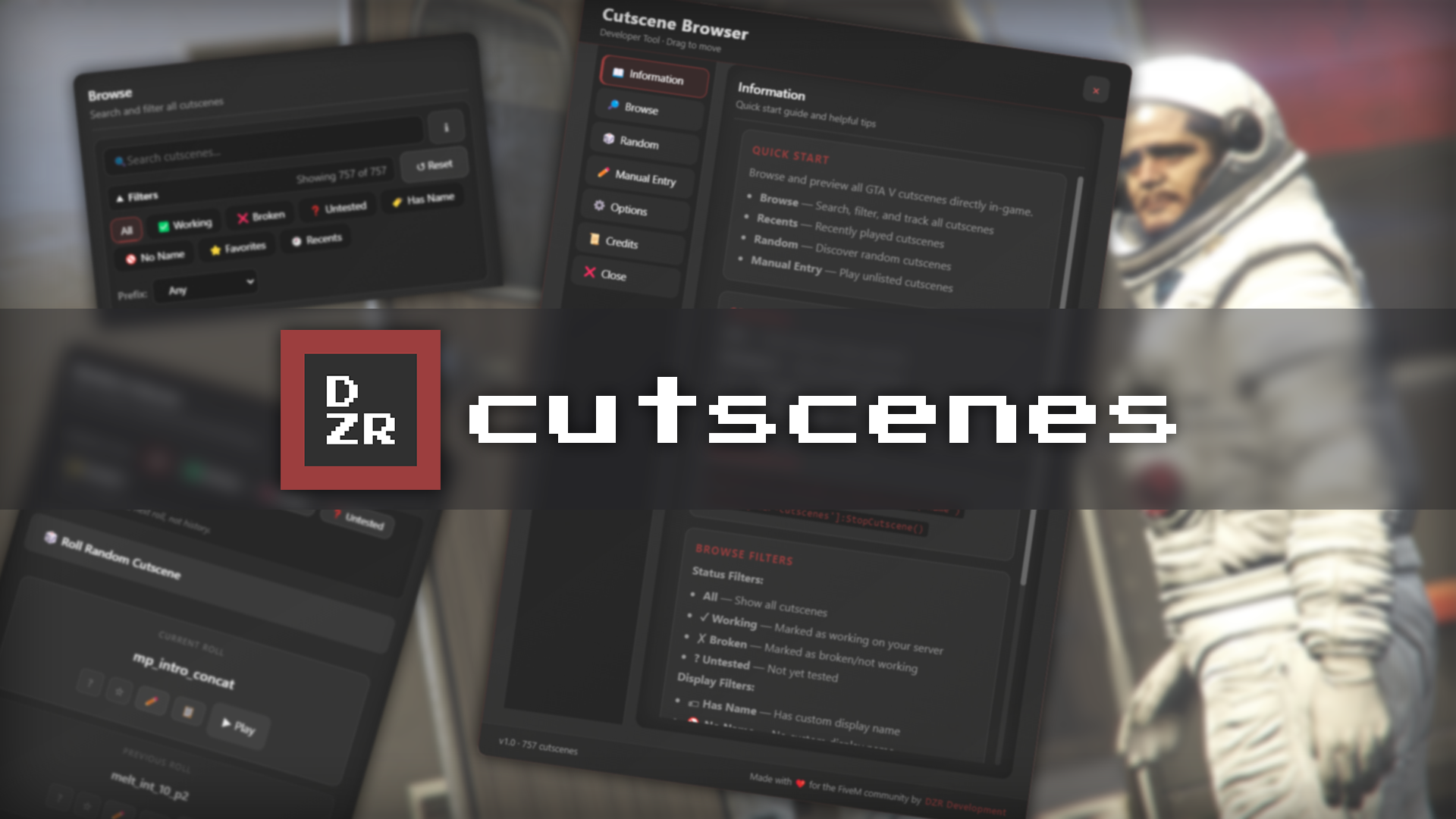
Browse 750+ cutscenes
Search and filter by prefix
Mark cutscenes as Working / Broken / Untested
Rename scenes with readable Display Names
Random cutscene picker with roll history
Recents and Favorites system
Dark, Light, and DZR Dev themes
Requirements
- Framework
- Standalone
- Dependencies
- Listed in the install guide
Setup and docs
All docsRead these before you buy to see exactly how it installs and configures.
- InstallationDrop-in install plus the optional staff permission setup.
- Using the browserThe panel, search and filters, favorites, compatibility flags, display names, and stopping playback.
- ConfigurationEvery option in config.lua, and where the JSON data lives.
- ExportsFive client exports for driving cutscene playback from your own resources.
Details
DZR Cutscenes – FiveM Cutscene Browser & Playback Tool
A clean, modern developer tool for browsing, testing, and playing GTA V cutscenes directly inside FiveM. No Rockstar assets are included. Only cutscene identifiers already inside the game are referenced.
Overview
DZR Cutscenes makes it easy for developers to preview and use any GTA V cutscene. Perfect for missions, intros, cinematics, and testing.
Mini-Player
Automatically appears during cutscenes
Fixed bottom-right premium UI
Stop button
Shows cutscene ID, display name, and timestamp
Developer Features
ACE permissions supported
Export/import display names
Clean player data system (recents, favorites, preferences)
Server-wide compatibility tracking
Exports for programmatic cutscene control
Reliable watchdog to prevent stuck cutscenes
Compatibility
Framework: Standalone (works with ESX, QBCore, OX, and custom servers)
Game Build: Works on all FiveM builds
Platforms: Windows & Linux servers
Delivery Method
Instant digital delivery. Upon purchase, you receive an immediate Tebex download containing the resource folder.
Installation
Drag the dzr-cutscenes folder into your server resources.
Add the resource to your server.cfg :
ensure dzr-cutscenes
Restart your server.
Usage
Open the cutscene browser:
/cutscenes
Stop the current cutscene:
/stopcutscene
The menu hides automatically during playback. The mini-player stays visible until the cutscene ends.
Requirements
None
Disclaimer
No GTA V or Rockstar assets are included. This tool only references cutscene identifiers already present inside the base game.
DZR Development is not affiliated with Rockstar Games, Take-Two Interactive, or Cfx.re.
Support
Need help or want to report an issue? Join the DZR Development Discord.
Credits
Cutscene name list sourced from open community resources (DurtyFree / Plebmasters)
All UI/UX and code by DZR Development
Free resource provided by DZR Development.
Not approved, sponsored, or endorsed by Rockstar Games.
Cutscene Browser
Free